monday.com brings people and agents together in one shared workspace - so your team moves faster, stays aligned, and delivers real results without the coordination overhead.
Trusted by over 60% of the Fortune 500



Connect your entire organization on one platform where people and agents work side by side toward shared goals.

Distributed teams get the same collaborative experience through shared boards, Gantt charts, dashboards, and multiple project views.

monday.com's AI capabilities fit directly into your existing workflows, so adoption is natural from day one.
Move projects forward by connecting marketing, product, operations, and IT all in one place, giving every team a single source of truth - boards, dashboards, and updates that everyone can see, contribute to, and act on in real time.
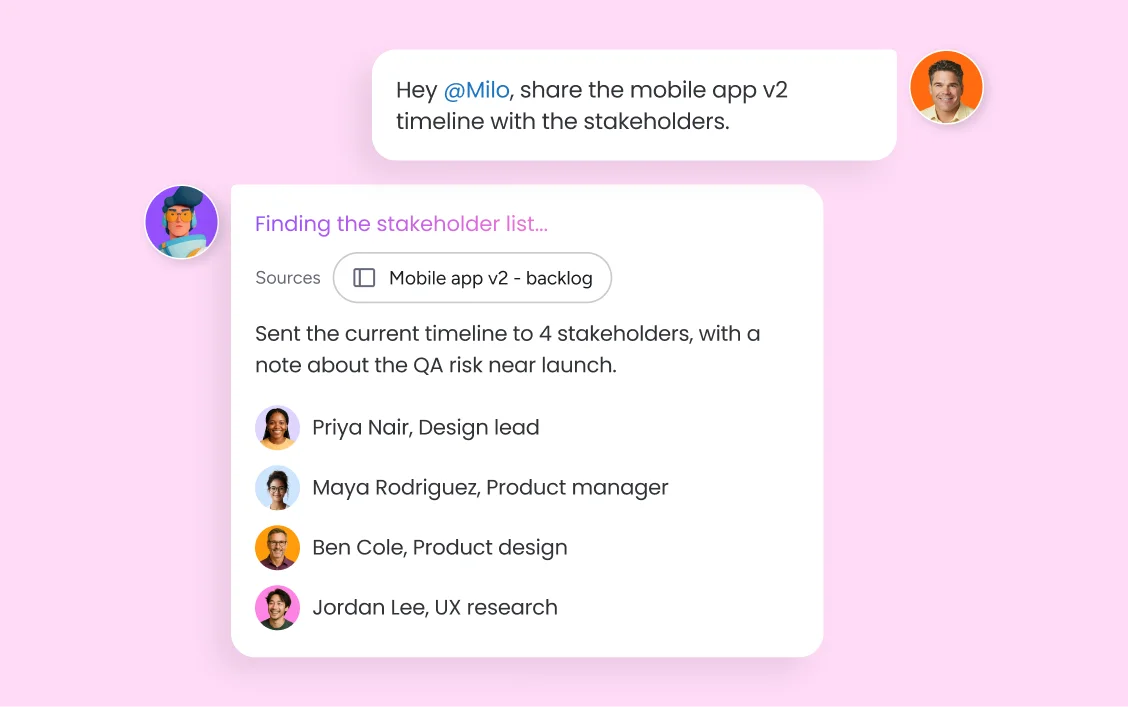
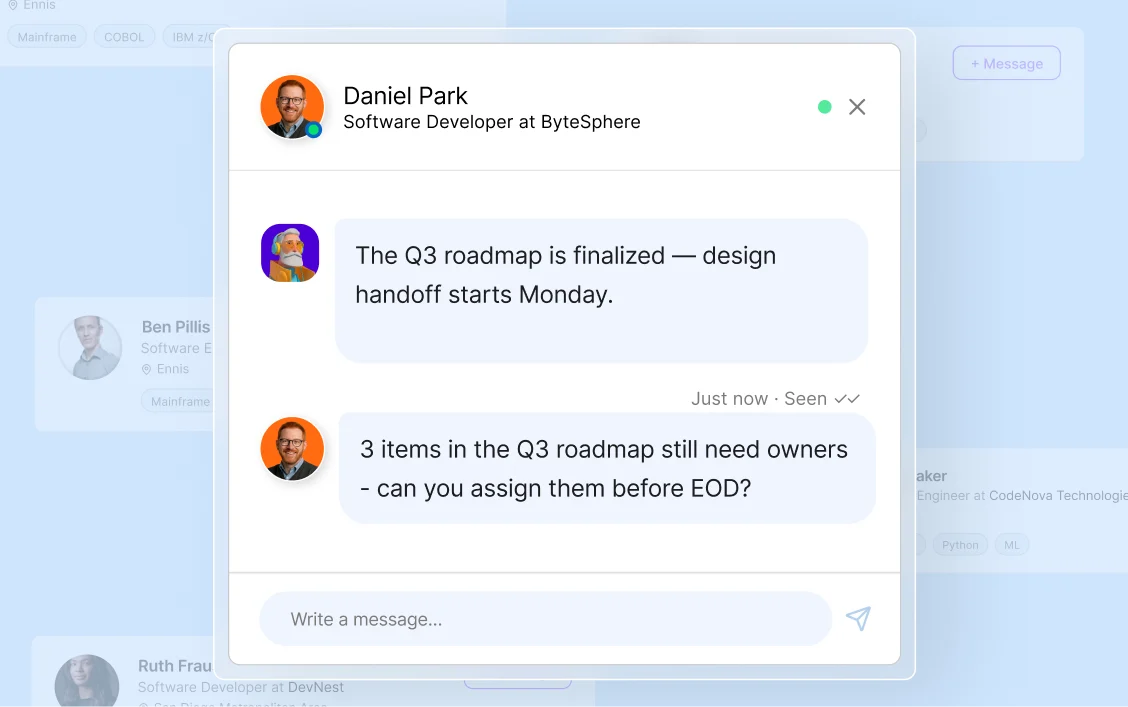
Distributed teams get the same collaborative experience whether they're in the same office or spread across time zones. monday.com's work surfaces — boards, Gantt charts, dashboards, and multiple project views — give everyone a shared view of what's happening, what's at risk, and what needs attention. In-task comments and @mentions bring the right conversations directly into the context of the work, so nothing important gets buried in a separate communication channel. Teams spend less time chasing updates and more time moving work forward together.
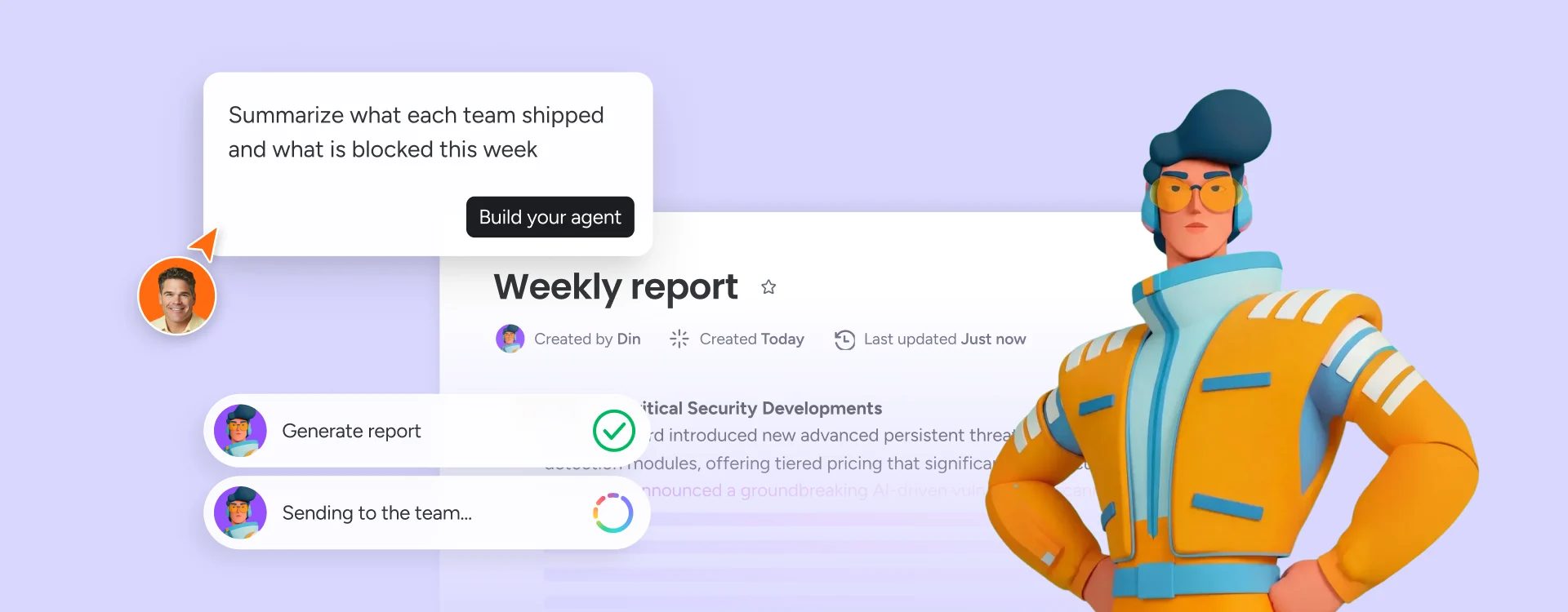
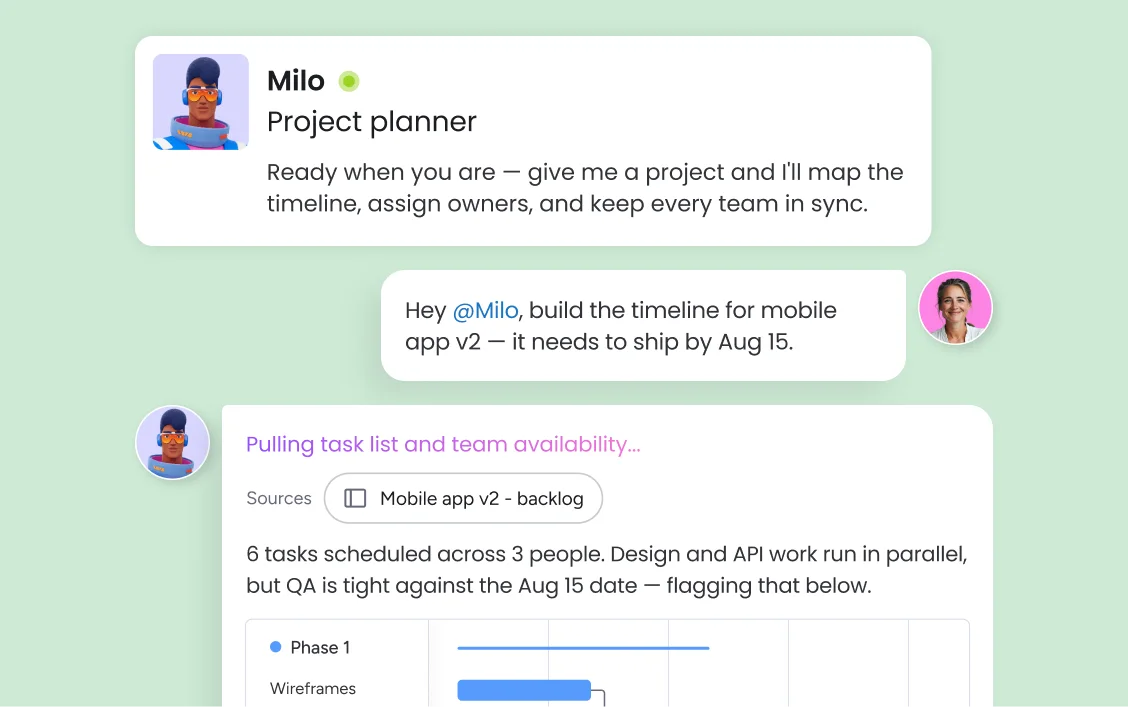
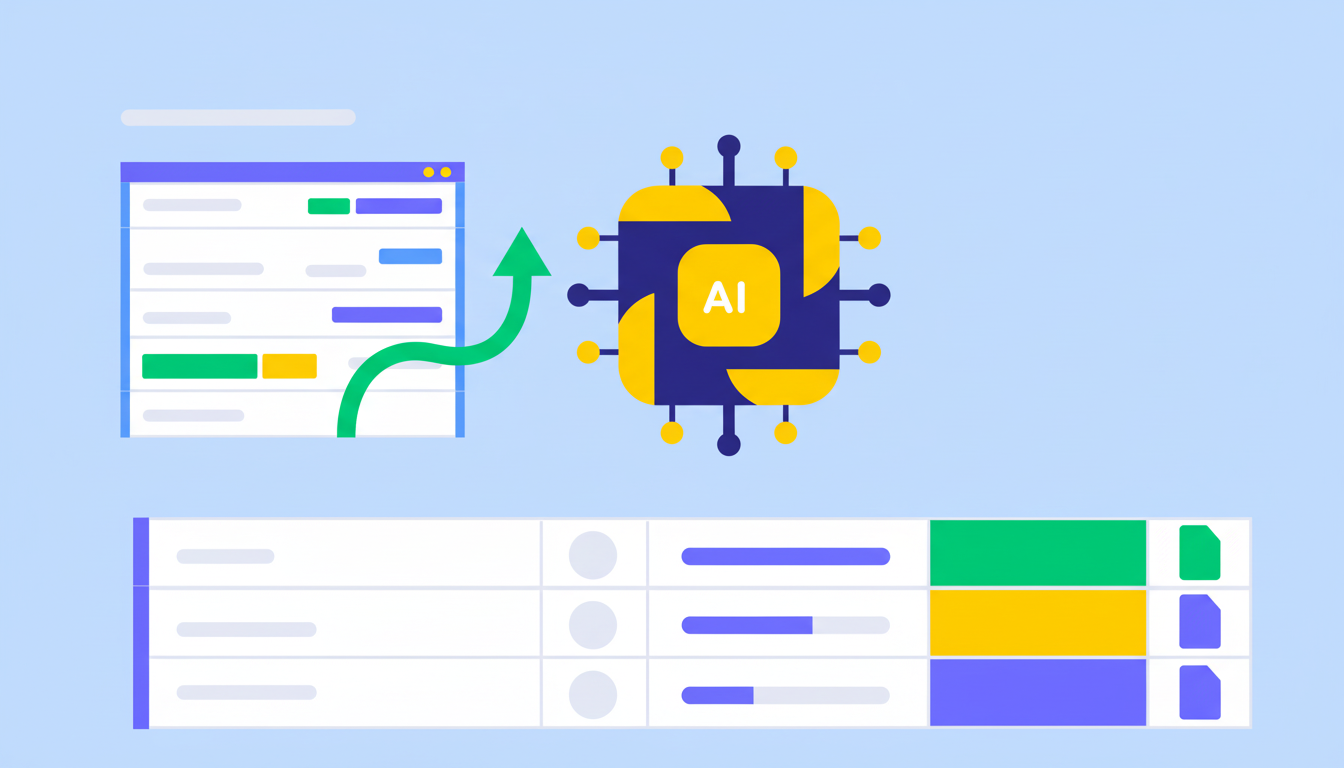
monday agents work alongside your team on the same boards — generating status reports, flagging risks, routing requests, and keeping timelines on track. Your team focuses on strategy and the decisions that need human judgment and AI agents handle the execution overhead that slows delivery down.
monday.com connects your AI workflow automation software to the tools every team runs on. With 850+ integrations - including Slack, Jira, Microsoft Teams, Google Calendar, GitHub, and Salesforce - and MCP support for Claude, ChatGPT, and Copilot, your portfolio data stays connected wherever your teams work.



Legal teams receive, triage, and track requests across the organization in one shared workspace — with agents routing incoming requests, surfacing relevant precedents, and keeping stakeholders updated without manual follow-up.

HR teams manage the full recruitment pipeline on monday.com — sourcing, screening, scheduling, and stakeholder communication — with agents handling the repetitive coordination so recruiters stay focused on candidate relationships.

PMO and operations teams gain real-time visibility across programs, with agents automatically generating status reports, tracking milestones, and escalating risks — so project managers spend time on strategy, not administrative coordination.
Product and engineering teams collaborate on roadmaps, sprint planning, and cross-functional dependencies in one shared workspace — with agents surfacing feedback signals and flagging blockers before they delay delivery.

Marketing teams use monday agents to manage campaign briefs, track asset approvals, and route deliverables across creative, copy, and channel teams — so campaigns launch on schedule without manual coordination overhead.
Start by bringing all of your team's boards, workflows, and projects onto monday.com in one connected workspace. Map your existing processes, set up the views and dashboards that give every stakeholder visibility, and connect the integrations your teams already use. monday.com is designed to fit how you work — not the other way around — so setup is fast and adoption follows naturally.
Activate monday.com's collaboration features — in-task comments, mentions, board sharing, and automated notifications — so every team member stays connected to the work that matters to them. Use monday workflows to automate the handoffs and status updates that currently require manual follow-up, and use Gantt charts and multiple project views so distributed teams always have a shared understanding of priorities and progress.
As your team grows, monday agents take on the coordination and execution work that multiplies with scale — generating reports, routing requests, monitoring milestones, and surfacing risks. People stay in control of strategy and judgment; agents handle the overhead. monday sidekick supports individual contributors with context-aware assistance, while monday workflows automate complex cross-functional processes end to end.
monday.com surfaces the right information to the right people at the right time — through notifications, automated updates, and digest summaries — so teams stay aligned without information overload or fragmented communication.
Bring the right person into any conversation or decision with mentions that trigger instant notifications. Whether you need a reviewer, an approver, or a subject matter expert, mentions keep communication contextual and fast.
Keep conversations in the context of the work they relate to. Team members can comment directly on items, attach files, share updates, and resolve questions without leaving the platform or losing context in a separate channel.
Plan and track project timelines collaboratively with Gantt charts that show dependencies, milestones, and progress across every workstream. Teams can adjust timelines together and see the cascading impact of changes in real time.
monday.com's board view is the shared workspace where teams see every work item, status, owner, and priority in one place. Boards are fully customizable and accessible to every stakeholder, keeping cross-functional teams aligned without meetings.
Switch between board view, Gantt chart, calendar, timeline, and chart views without changing your data. Every team member sees the work in the format that fits their role, giving distributed organizations a shared understanding of where projects stand.
Deploy monday agents to join your team's boards and workflows, contributing alongside people toward shared goals. Agents handle execution work — reporting, routing, monitoring — so your team stays focused on the decisions that need them.
monday agents automatically assign work to the right team members based on capacity, skill set, and project context. Assignments happen without manual overhead, so the right people are always on the right work.

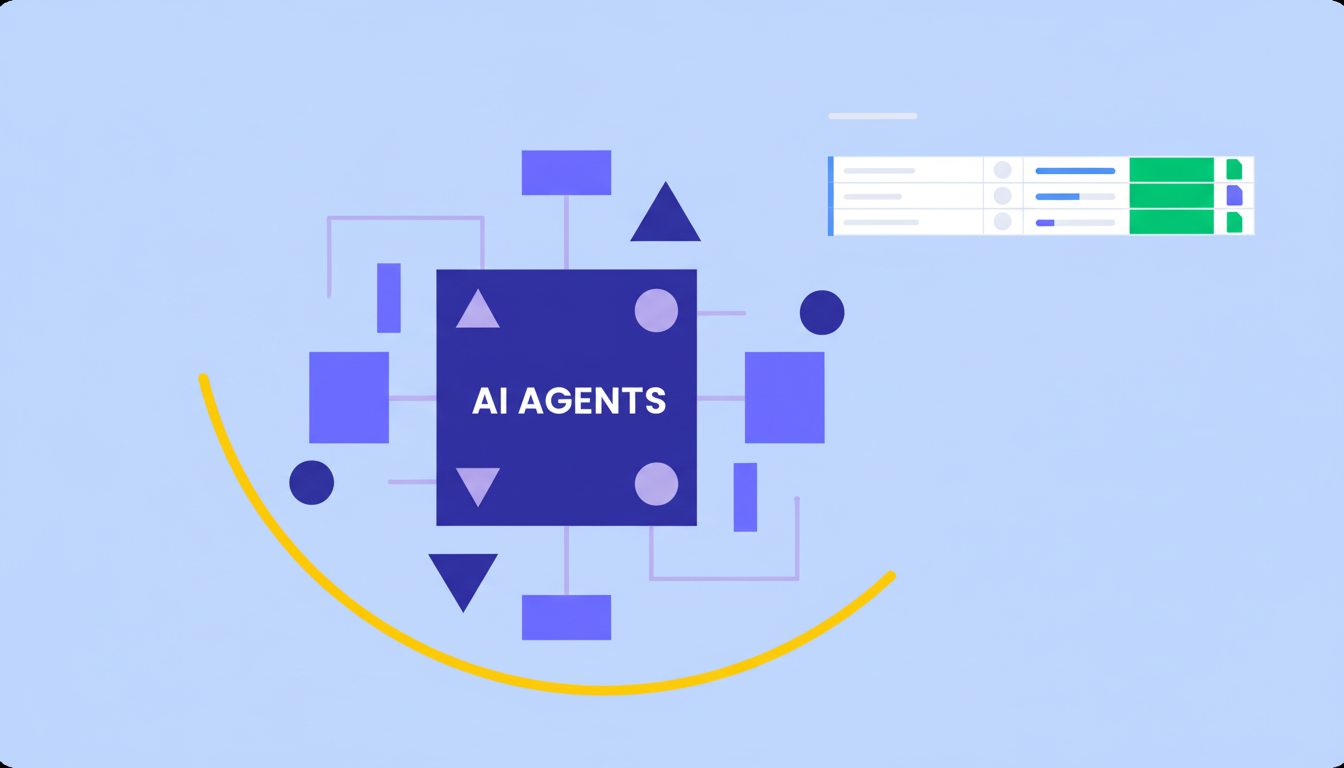
Deploy ready-made or custom AI agents that collaborate alongside your team on shared boards, handling execution work across every department.

An always-on AI assistant that accelerates individual execution - summarizing context, recommending next steps, and running work on your behalf.

Visually build and automate complex cross-functional processes so work moves across teams and tools with less manual coordination.

Build custom collaboration apps tailored to how your organization actually works — no code required, enterprise-grade from day one.
We replaced a 15-minute screening call with an AI agent that does it in 5 minutes.





It’s the first time we’ve seen a real AI solution that is actually useful.


Remote collaboration requires more than video calls — it takes the right tools, habits, and culture to keep distributed teams aligned and productive.
Remote work tools help distributed teams communicate, collaborate, and stay organized — from project management and video calls to async messaging.
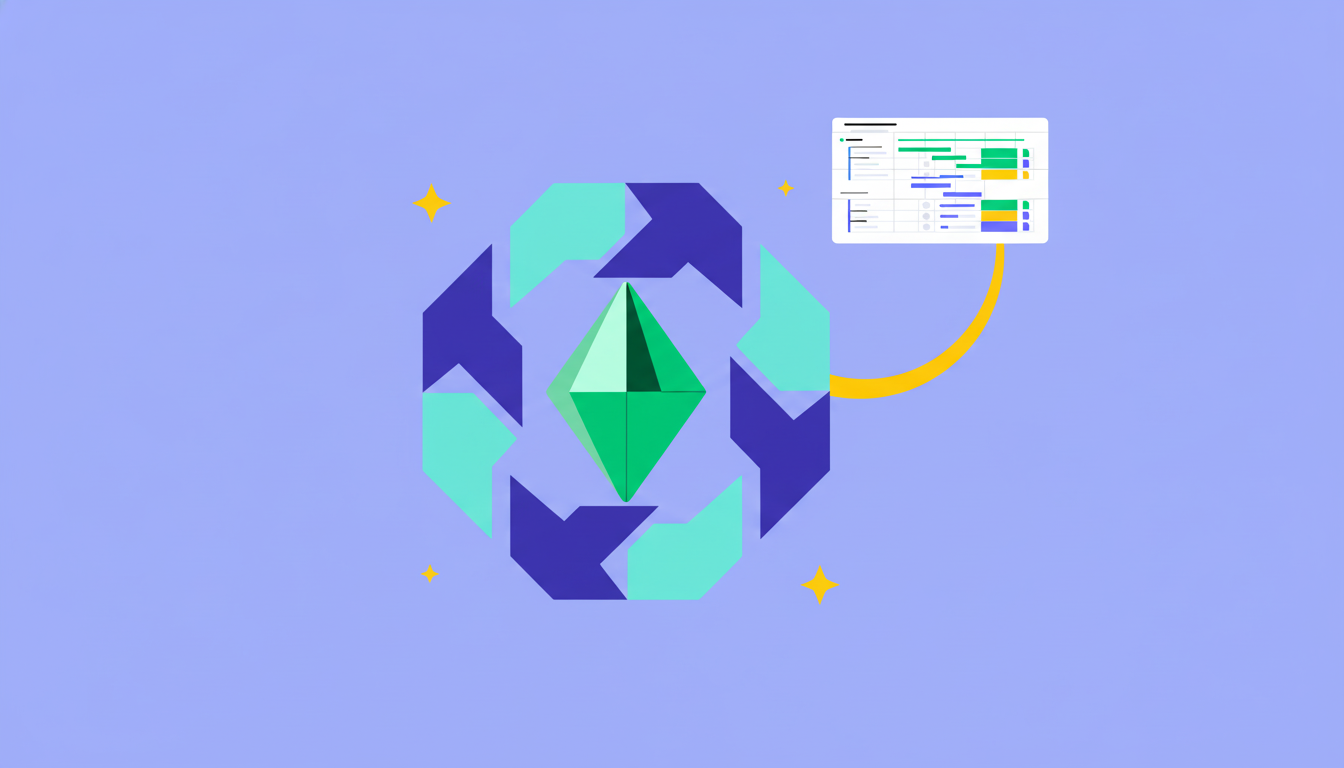
Team collaboration is how people work together toward shared goals — and the right strategies and tools make all the difference.
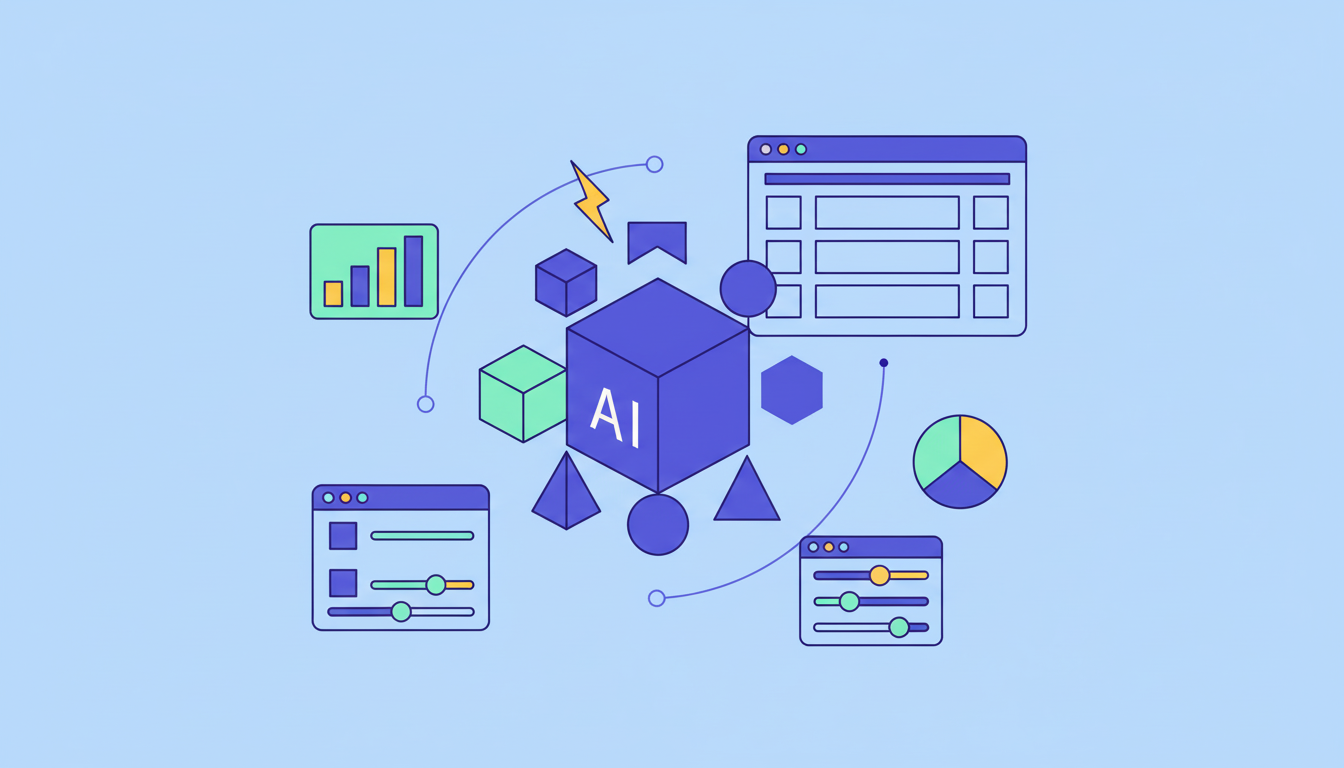
Learn how to build AI agents step by step — from setting goals and choosing tools to deploying your first functional agent.
Yes, the monday.com app is available for download on the iOS and Android app stores.
Collaboration software pricing ranges from free plans for small teams to enterprise contracts for large organizations. Most platforms offer per-seat monthly pricing between $8 and $30 per user. monday.com offers a free plan for up to 2 seats, and paid plans that scale based on team size and capability needs — including AI features, automations, and advanced security. Visit monday.com/pricing for current plan details.
Yes, monday.com offers a free plan for up to 2 seats with no credit card required. This includes access to unlimited boards and items, collaborative workspaces, and core project management features. Paid plans unlock AI capabilities, advanced automations, enterprise security controls, and support for larger teams.
monday.com stands out as a collaboration platform because it combines structured shared workspaces, real-time visibility, AI capabilities, and enterprise-grade security in one place. With around 250,000 customers across 200+ industries — including 60%+ of the Fortune 500 — monday.com is trusted at scale. AI agents collaborate alongside your team, context flows across departments, and the platform fits naturally into how you already work.
Real-time project collaboration on monday.com works through live boards that update instantly, in-task comments that keep conversations in context, @mentions that loop in the right people, and automated notifications that surface what needs attention. Gantt charts and multiple project views give distributed teams a shared understanding of priorities and progress, while monday workflows keep work moving between teams without manual handoffs.
Eliminating information silos requires bringing every team onto one shared platform where work context flows across departments. monday.com is designed for cross-functional collaboration — marketing, product, IT, HR, and operations all work in one connected workspace, so agents and people can access the full picture of how work connects across teams. Structured cross-department data means no team is working from an isolated slice of the business.
To use collaboration software for project management, start by mapping your project structure onto shared boards where every team member can see tasks, owners, deadlines, and status. Use Gantt charts to plan timelines and track dependencies, set up automated notifications for key milestones, and use in-task comments to keep project conversations in context. On monday.com, you can also deploy AI agents to generate status reports, flag at-risk items, and route approvals automatically.
AI improves team collaboration by reducing the coordination overhead that slows teams down. On monday.com, AI capabilities automate status updates, generate meeting summaries, flag risks before they become blockers, and route work to the right people — so teams spend more time on meaningful collaboration and less time on administrative tasks. The result is faster decision-making, stronger alignment, and better delivery outcomes.
An AI collaboration platform combines the shared workspace of traditional collaboration software with AI capabilities that automate coordination work, surface insights, and help teams move faster. On monday.com, AI agents join your team's workflows to handle reporting, routing, and monitoring — while people stay focused on strategy, creativity, and the decisions that need human judgment.
Collaboration software is a platform that helps teams work together more effectively — sharing information, coordinating work, tracking progress, and communicating in real time. Modern collaboration software, like monday.com, goes beyond file sharing and messaging to provide a shared workspace where people can see every project, assign work, track deadlines, and make decisions together across departments.