Your team maps the process. AI agents build, run, and optimize the workflows - so work moves across teams without the manual coordination.
Trusted by over 60% of the Fortune 500



monday workflows and monday agents run workflows from trigger to completion - handling assignments, approvals, notifications, and escalations automatically.

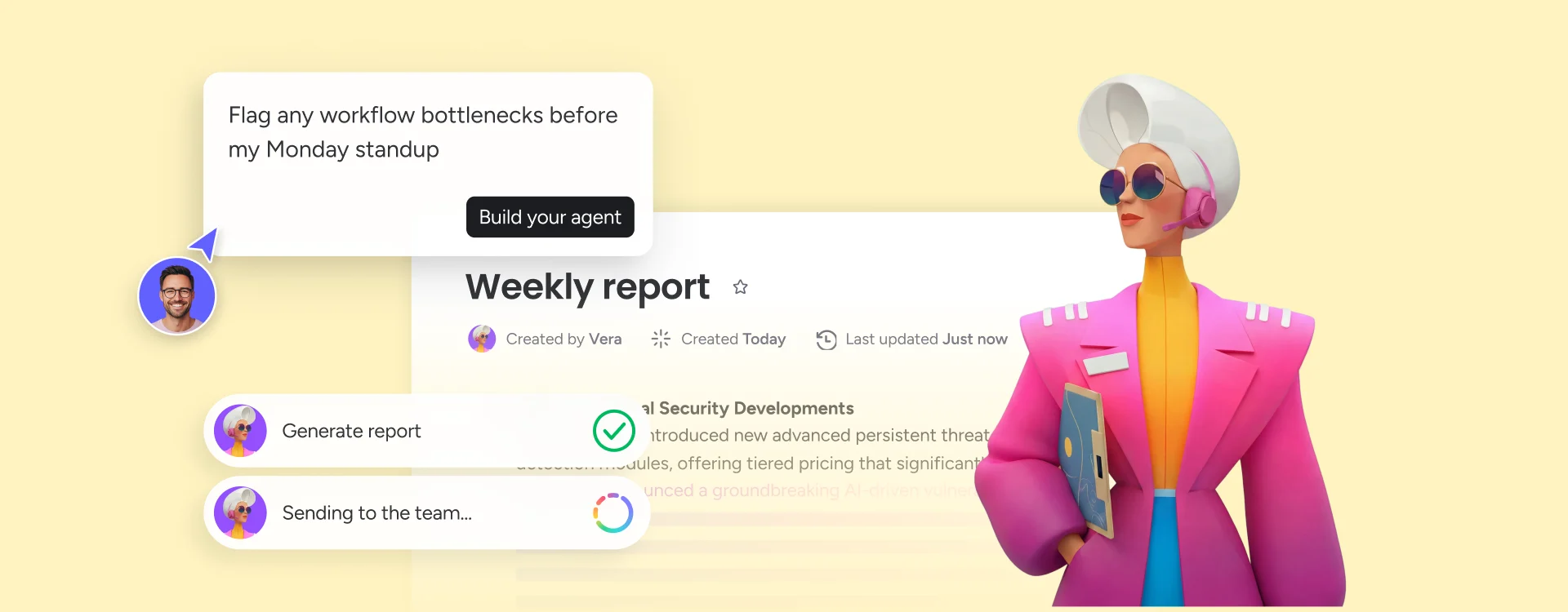
monday agents continuously monitor active workflows and surface bottlenecks, stalled steps, and overdue approvals before they cascade into missed deadlines.

Build, automate, and optimize workflows visually without writing a line of code - and deploy them across teams the same day.
monday workflows lets teams visually design, automate, and manage complex cross-functional processes with conditional logic, automated handoffs, and agentic execution, built in. Set if/then rules that trigger assignments, status updates, approval routing, and escalations automatically.
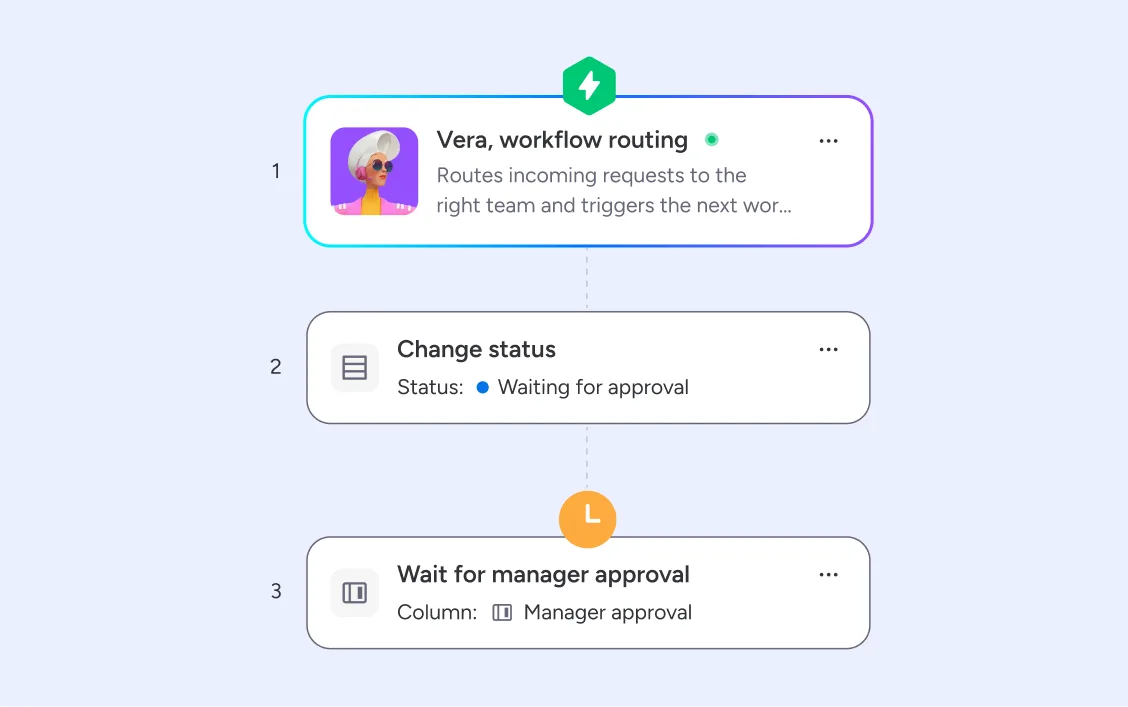
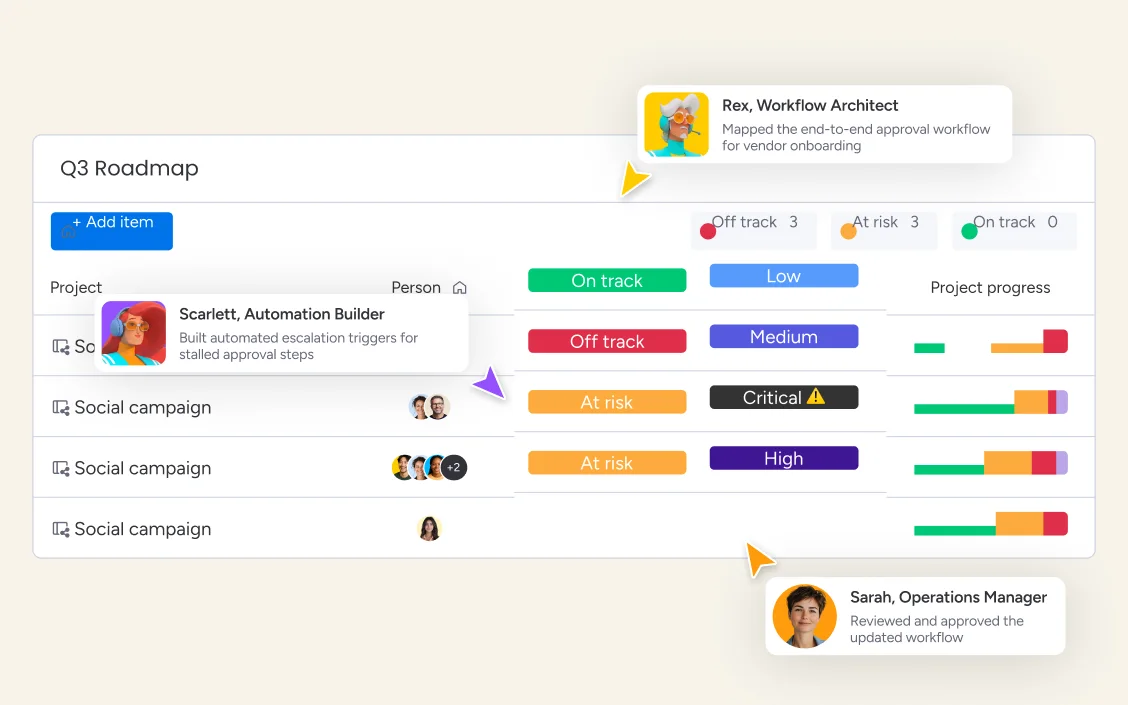
monday agents continuously monitor active workflows and surface bottlenecks, stalled steps, and overdue approvals before they cascade into missed deadlines. AI-generated workflow summaries give every team lead an instant view of where work is moving, where it's stuck, and what needs immediate attention.
Every step your agents take is logged, auditable, and reversible. Define exactly what each agent can see and do - read, create, or edit - and use simulation mode to validate any workflow before it goes live. Human-in-the-loop controls ensure your team approves before anything moves forward. monday.com is SOC 2 Type II, ISO 27001, and HIPAA compliant - so your workflows run on infrastructure your enterprise already trusts.
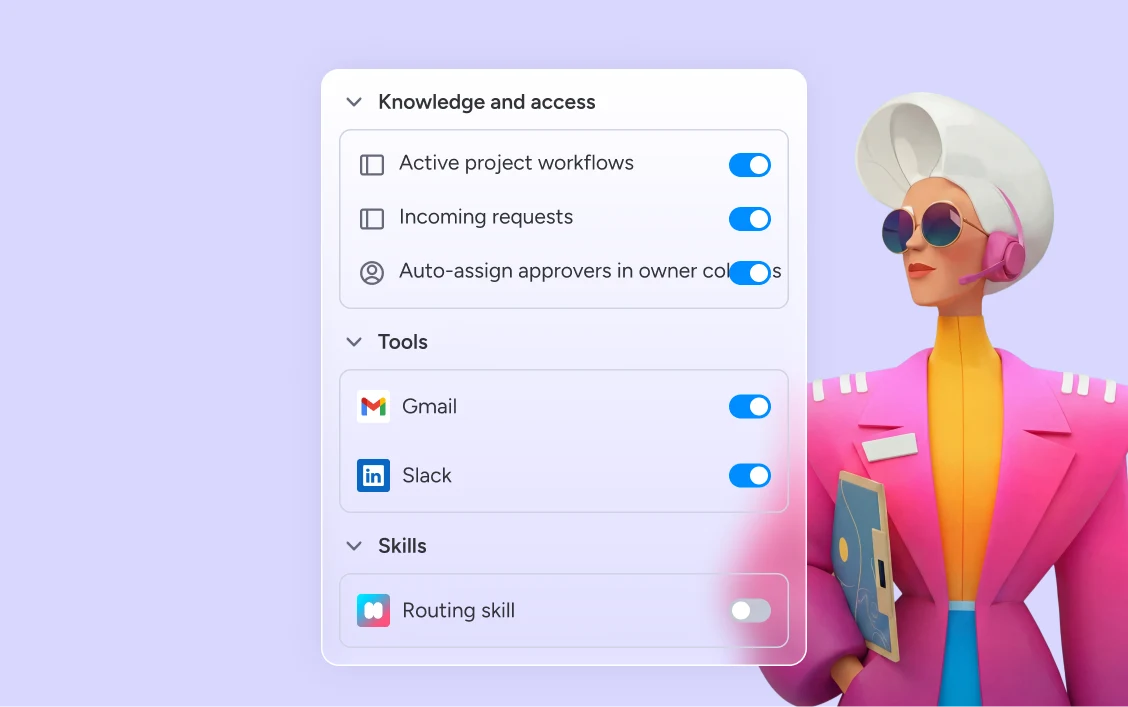
monday.com connects your AI workflow automation software to the tools every team runs on. With 850+ integrations - including Slack, Jira, Microsoft Teams, Google Calendar, GitHub, and Salesforce - and MCP support for Claude, ChatGPT, and Copilot, your portfolio data stays connected wherever your teams work.



Agents run the full legal request workflow — intake, duplicate detection, routing to the right counsel, and matter status tracking — so nothing gets lost between request and resolution.

Agents run the full recruiting and onboarding workflow — sourcing, screening, scheduling, and new-hire setup — so your HR team focuses on the decisions that matter, not the process steps between them.

Agents monitor cross-project workflows, surface at-risk workstreams, and distribute portfolio status reports automatically — giving your PMO full execution visibility without a single manual compilation.

Agents run sprint workflows from backlog to release — building boards, flagging blockers, routing QA approvals, and generating release notes automatically so your team spends sprint time building, not coordinating.

Agents take campaign briefs and run the full workflow — content creation, asset approvals, stakeholder sign-offs, and performance reporting — so your team ships more campaigns without adding coordination overhead.
Describe your workflow in plain language and monday.com generates the full board - steps, owners, dependencies, and approval gates - structured and ready to run. Use templates to standardize common processes across departments, so every team follows the same workflow without needing to rebuild it from scratch.
Use monday workflows to visually connect your workflow steps with if/then logic, automated triggers, and agentic execution — no code required. Set conditions that move work forward automatically: assign the next step, send the approval request, update the status, notify the right person, and escalate when deadlines are missed.
monday agents monitor every active workflow continuously - surfacing stalled steps, flagging at-risk approvals, and generating workflow summaries for team leads and executives. As agents learn your workflows, they proactively recommend where to reduce manual steps, eliminate redundant handoffs, and focus high-impact work.
Every agent action in every workflow has a complete audit trail. Define exactly what agents can and cannot do — read, create, or edit — with simulation mode to validate workflows before activating them. monday.com is SOC 2 Type II, ISO 27001, and HIPAA compliant.
Connect workflows across departments so work moves automatically from one team to the next — no manual handoffs, no data re-entry. When one workflow step completes, the next triggers instantly across every connected process.
Approval workflows route automatically to the right stakeholders based on workflow rules, send reminders when approvals are pending, escalate when deadlines pass, and log every decision with a full audit trail — with human-in-the-loop controls built in.
See exactly where work stands across every team. Real-time dashboards surface live workflow data from every active board, so team leads and executives always have a current view of what's moving, what's stuck, and what needs attention.
Define precise workflow rules that trigger automatically when conditions are met — route approvals based on value, escalate when deadlines pass, assign work based on capacity, and update statuses across connected boards without manual intervention.
monday agents continuously scan active workflows for stalled steps, overdue approvals, and dependency conflicts — surfacing issues before they escalate and routing alerts to the right people with full context already attached.
Build and automate workflows with a visual, drag-and-drop builder — no engineering required. Set if/then logic that triggers assignments, status updates, approval routing, notifications, and escalations across any process your team runs.
Visually build, automate, and manage complex cross-functional workflows with AI. Work moves across tools and teams with conditional logic, automated handoffs, and agentic execution — no code, no manual coordination between steps.

Ready-made or custom agents that run workflows, flag bottlenecks, generate summaries, and route approvals across every department autonomously.

Your AI assistant that summarizes workflow status, drafts handoff notes, and recommends next steps — right inside your workspace.

Visually build and automate complex cross-functional workflows without code - so work moves between teams automatically from trigger to completion.

Create custom workflow dashboards and business apps for your team in minutes, without engineering support.
We replaced a 15-minute screening call with an AI agent that does it in 5 minutes.





It’s the first time we’ve seen a real AI solution that is actually useful.



Workflow automation uses software to complete repetitive tasks with minimal human input, saving time and reducing errors across business processes.
Different types of workflows structure how tasks move through your organization. Learn the main types, when to use each, and how to optimize them.
Workflow management organizes the steps, people, and tools needed to get work done consistently — and AI is making it faster and smarter.

A workflow app helps your team automate repetitive tasks, standardize processes, and keep projects moving without constant manual oversight.
Yes, the monday.com app is available for download on iOS and Android app stores.
monday.com is the best AI workflow management software because it's the only platform where workflow management runs inside the same workspace where your teams already work — so agents have real cross-department context that standalone tools can never access. monday workflows lets any team build, automate, and manage complex cross-functional processes visually without code, while monday agents go further by executing workflows autonomously, detecting bottlenecks before they cascade, and generating status summaries automatically. With around 250,000 organizations already on the platform and enterprise clients reporting onboarding in weeks, monday.com delivers workflow management without the implementation overhead that heavier PPM tools require.
Workflow management software ranges from free plans to enterprise pricing. monday.com offers a free plan for up to 2 seats with no credit card required. Paid plans start at $9/seat/month (Basic), $12/seat/month (Standard), and $19/seat/month (Pro), billed annually. AI capabilities including monday workflows and monday agents are available on Standard and above. Contact sales for Enterprise pricing.
Workflow management covers the design, monitoring, and optimization of how work moves through a process. Workflow automation is the execution layer — the rules, triggers, and agents that move work forward without manual steps. monday.com does both: monday workflows manages the process structure, while agentic automation and monday agents execute it autonomously.
Bottlenecks happen when work gets stuck waiting — for an approval, a handoff, an update that never came. Workflow management software prevents this by making every step visible and time-bound. On monday.com, every workflow step has an owner, a deadline, and a defined next action — so nothing sits in a queue unnoticed. monday agents continuously scan active workflows for stalled steps and overdue approvals, surface the issue to the right person with full context, and escalate automatically if it isn't resolved. Instead of finding out a bottleneck existed in a retrospective, your team catches it while there's still time to act.
The most important features are a visual no-code workflow builder, conditional automation logic, cross-team visibility, AI bottleneck detection, approval workflow automation, and enterprise-grade governance. monday.com combines all of these in one platform — with monday workflows for building, monday agents for executing, and real-time dashboards for visibility across every active workflow.
Workflow management focuses on the day-to-day execution of specific processes — the steps, assignments, approvals, and handoffs that move a single piece of work from start to finish. Business process management is broader, covering the design, optimization, and governance of processes at an organizational level. monday.com supports both: workflow management through connected boards and automation, and process-level governance through audit trails, permissions, and human-in-the-loop controls.
With monday.com, you build workflows visually using monday workflows — connecting steps with if/then logic and automated triggers — then deploy monday agents to execute them autonomously. Agents monitor active workflows, surface bottlenecks before they escalate, route approvals, and generate summaries for team leads automatically.
Employee onboarding is a classic example — a structured workflow that moves from job posting through resume screening, interviews, offer approvals, equipment provisioning, and training, with each step triggering the next automatically. On monday.com, monday agents can run the full onboarding workflow autonomously, notifying the right people and escalating blocked steps without manual intervention.
Workflow management software is a platform that helps teams design, automate, and monitor the steps required to complete any business process — from simple approval chains to complex cross-departmental workflows. monday.com is the AI Work Platform where people and agents build and run workflows together, with AI that flags bottlenecks, routes approvals, and executes steps autonomously.