monday agents and monday workflows automate repetitive tasks end to end - so work moves across every team automatically.
Trusted by over 60% of the Fortune 500



Most automation tools connect to your work from the outside. monday workflows and monday agents automate work from within - where the context, the data, and the people already are.

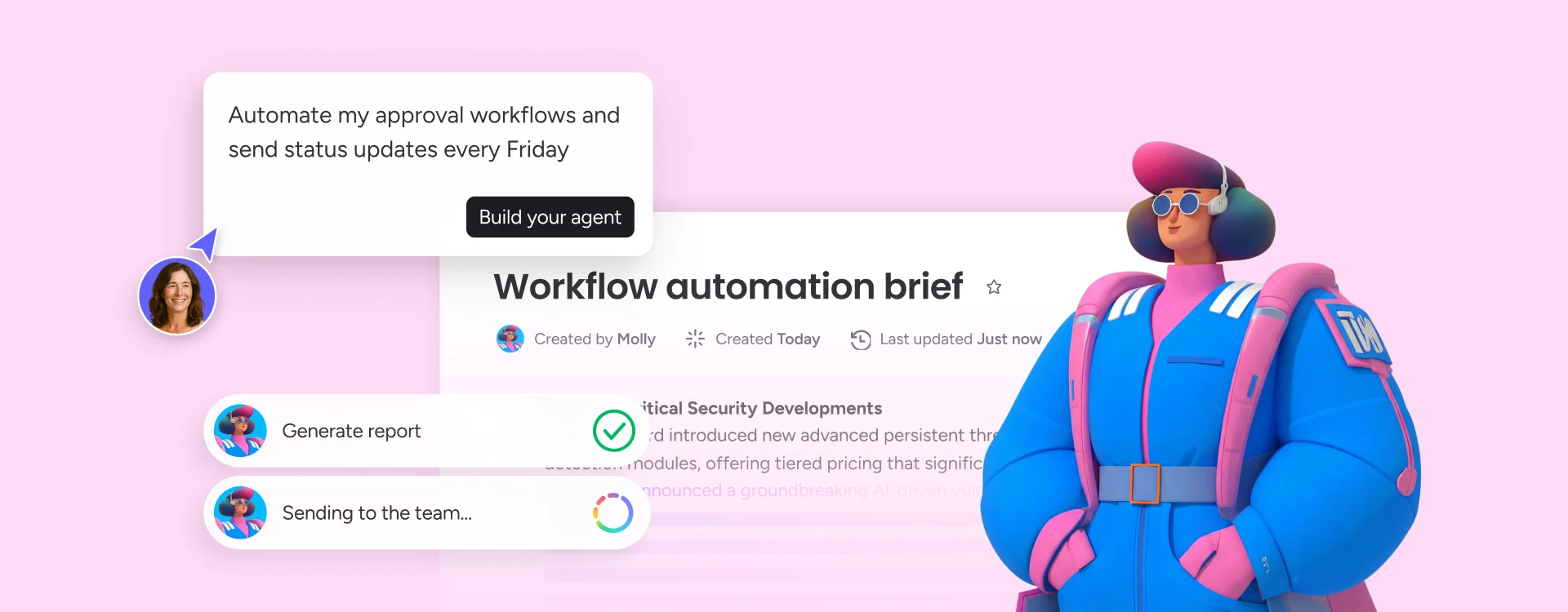
Launch monday agents that work within your workspace. Describe what needs to happen - route this approval, escalate that risk, assign based on capacity - and agents execute it autonomously, across every active workflow, without a single line of code.

Build, automate, and deploy cross-team workflows visually - no coding required.
monday workflows make it easy for teams to automate repetitive tasks visually and set triggers that fire when a form is submitted, a status changes, a deadline passes, or a new item is created. The automation handles everything that follows - assignment, notification, status update, handoff.
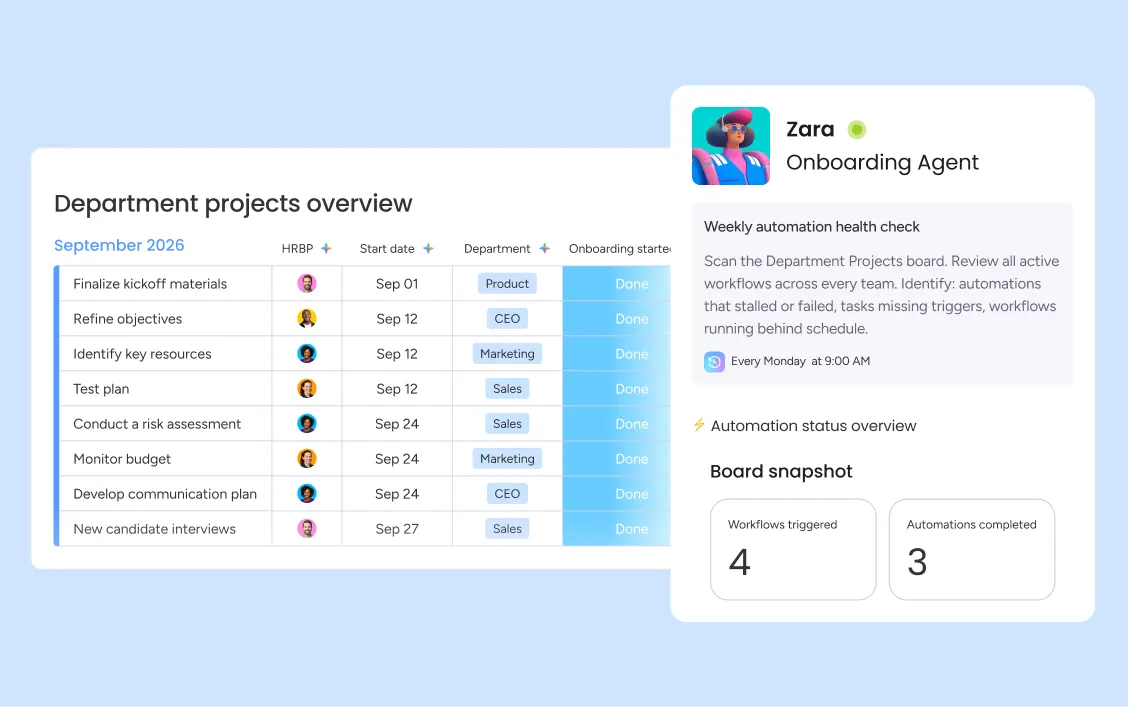
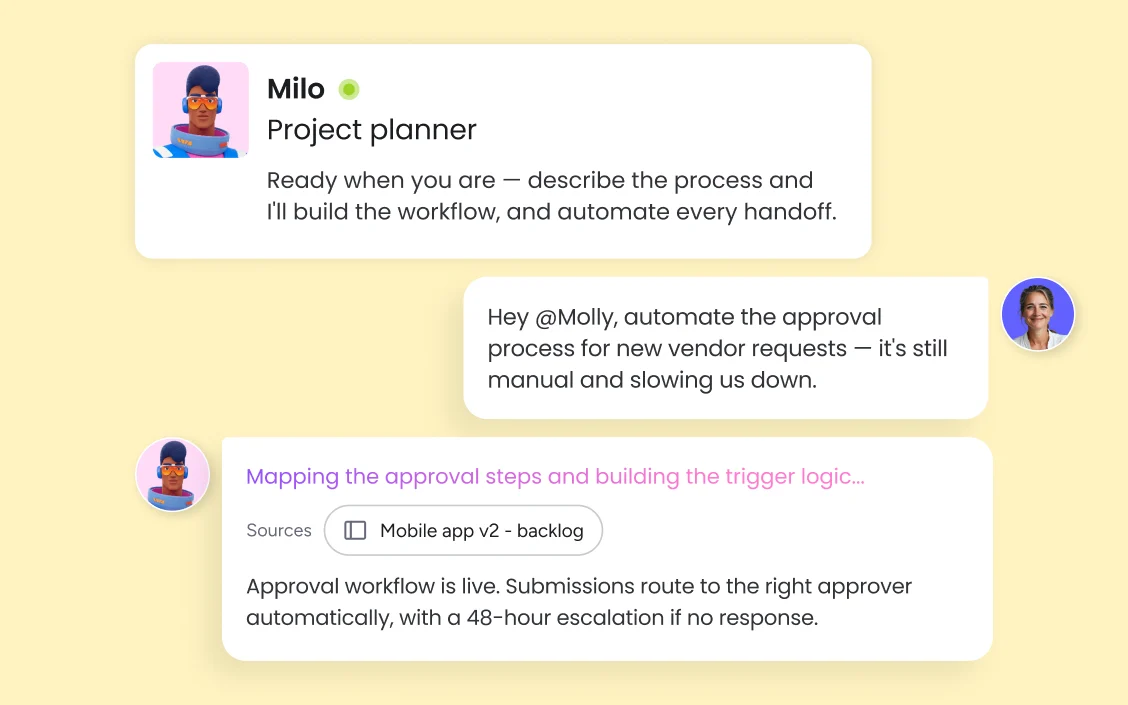
monday agents move workflow automation beyond static rules. They read context, make routing decisions, and execute work autonomously — assigning new requests based on capacity, escalating stalled approvals before deadlines pass, and generating status updates on schedule without anyone prompting them. Conditional automation logic (if/then/else) handles the complex branching that traditional automation can't manage, with AI filling the gaps that rigid rule-sets miss.
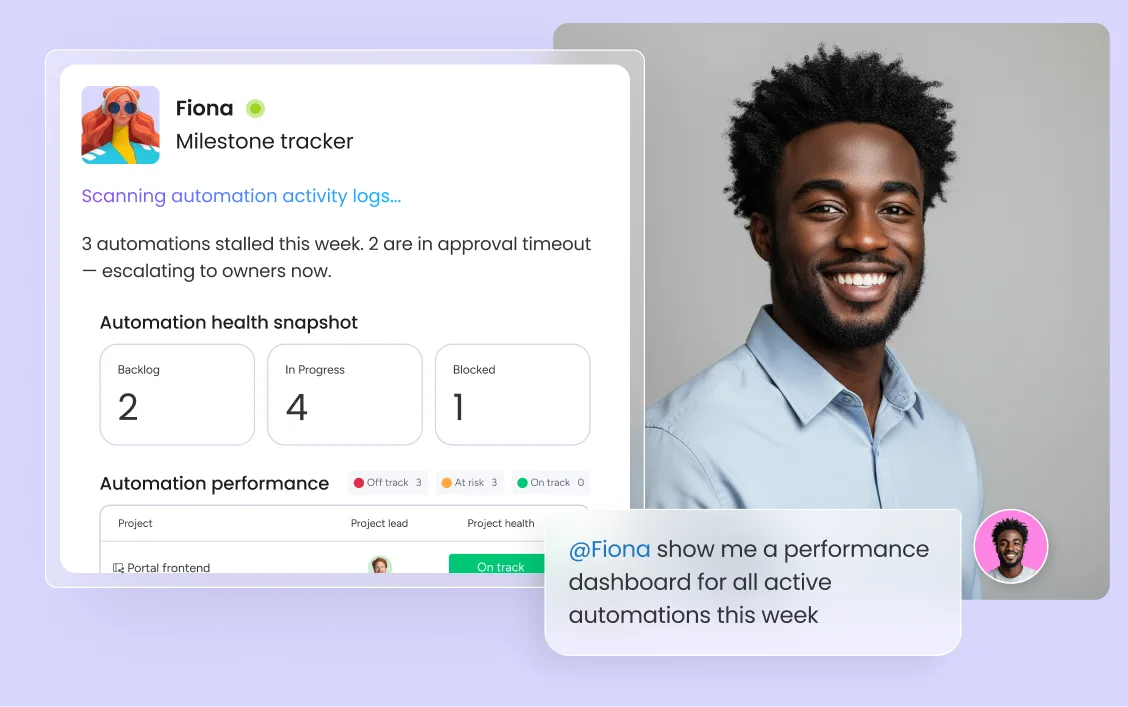
monday.com's automation activity log gives every team a live audit trail of every action taken — what fired, when, and what it changed. AI bottleneck detection surfaces stalled automations and underperforming workflows before they cascade into missed deadlines.
monday.com connects your AI workflow automation software to the tools every team runs on. With 850+ integrations - including Slack, Jira, Microsoft Teams, Google Calendar, GitHub, and Salesforce - and MCP support for Claude, ChatGPT, and Copilot, your portfolio data stays connected wherever your teams work.



Automated intake validation, duplicate detection, counsel routing, and matter status tracking run end to end - so nothing gets lost between request and resolution and your legal team has visibility without manual board updates.

From job post to new-hire setup, automated workflows handle sourcing triggers, screening routing, interview scheduling, offer approvals, and onboarding task creation - so your HR team focuses on the people, not the process.

Cross-board automation triggers keep every project moving - agents generate and distribute status reports, escalate at-risk items, and update portfolio dashboards automatically, without anyone compiling data manually.

Agents automate sprint setup, QA routing, release note generation, and dependency tracking — so your engineering team focuses on building, not administering the process around it.

monday workflows automates campaign coordination end to end — routing briefs, assigning creative tasks, triggering approval sequences, and scheduling distribution — so your team ships more campaigns with less overhead.
Start by identifying the manual, repetitive steps in your team's workflows — status updates, task assignments, approval requests, handoff notifications. Use monday workflows to build these into automated rules with a visual drag-and-drop builder, no code required. Workflow automation templates give teams a running start for common processes across every department.
Layer AI onto your automations with monday agents — set conditions and let agents handle the complexity that static if/then rules can't cover. Agents read context, route based on capacity, escalate intelligently, and execute recurring workflow automation on schedule. Human-in-the-loop validation lets your team review agent actions before they go live, so you stay in control.
Connect workflows across departments with cross-board automation triggers — when a task completes in one team's board, it automatically creates or updates items in another team's workflow. Conditional automation logic (if/then/else) handles branching at scale, and the automation activity log gives every team a live audit trail of every action fired across the platform.
Fire automations from events in Slack, Gmail, Jira, GitHub, Salesforce, Microsoft Teams, and 200+ other tools — with MCP support for Claude, ChatGPT, and Copilot. Your workflow automation software connects every tool in your stack without custom code.
A live audit trail of every automation action — what fired, when, what it changed, and who was notified. Human-in-the-loop validation lets teams review agent actions in simulation mode before activating, so automation runs with full transparency and control.
Automate the work that happens on a schedule — weekly reports, monthly reviews, sprint kickoffs, standup prep — so recurring tasks are created, assigned, and tracked automatically without anyone setting them up each cycle.
Connect workflows across teams so work moves automatically between departments. When a task completes on one board, it triggers updates, item creation, or notifications on any connected board — eliminating manual handoffs between teams entirely.
monday agents execute autonomously across every active workflow — creating items from triggers, assigning based on real-time capacity, generating summaries, routing approvals, and escalating risks before they become incidents. AI automation that works inside your workspace, not bolted on from outside.
Define precise automation rules that handle complex branching — route approvals based on value thresholds, escalate when deadlines pass, assign work based on team capacity, update multiple boards simultaneously when conditions are met.
Build workflow automations with a visual, drag-and-drop builder — no engineering required. Choose from workflow automation templates for common processes or create custom automations from scratch with if/then/else logic, scheduled triggers, and integration-fired events.
Visually build, automate, and manage complex cross-functional workflows with AI. Work moves from trigger to completion automatically — assignments, notifications, approvals, and escalations — with agentic execution filling the steps that rules alone can't handle.

Ready-made or custom agents that execute automations autonomously - assigning work, escalating risks, generating reports, and routing approvals across every department.

Your built-in AI assistant that summarizes automation status, drafts workflow updates, and recommends where to automate next - right inside your workspace.

Visually build and automate complex cross-functional workflows without code - from simple task triggers to agentic end-to-end execution across teams.

Create custom automation dashboards and business apps for your team in minutes, without engineering support.
We replaced a 15-minute screening call with an AI agent that does it in 5 minutes.





It’s the first time we’ve seen a real AI solution that is actually useful.



Business process automation (BPA) uses technology to handle repetitive tasks, streamline operations, and free your team for higher-value work.
Different types of workflows structure how tasks move through your organization. Learn the main types, when to use each, and how to optimize them.
Workflow management organizes the steps, people, and tools needed to get work done consistently — and AI is making it faster and smarter.
Workflow automation uses software to complete repetitive tasks with minimal human input, saving time and reducing errors across business processes.
monday.com is the best workflow automation software because it automates work from inside the platform where your teams already operate — not as a separate tool connecting external systems. monday workflows and monday agents go beyond if/then rules, executing work end to end with cross-department context no standalone automation tool can match. With around 250,000 organizations already running on monday.com, automation integrates into existing workflows from day one — no steep learning curve, no implementation project, no consultants required.
Yes, the monday.com app is available for download on iOS and Android app stores.
Workflow automation software ranges from free plans to enterprise pricing. monday.com offers a free plan for up to 2 seats with no credit card required. Paid plans start at $9/seat/month (Basic), $12/seat/month (Standard), and $19/seat/month (Pro), billed annually. AI workflow automation capabilities including monday workflows and monday agents are available on Standard and above. Contact sales for Enterprise pricing.
Workflow automation typically refers to automating individual processes or task sequences within a team. Business process automation (BPA) is broader — it covers the systematic automation of end-to-end business processes across an entire organization. monday.com supports both: monday workflows for team-level automation, and monday agents for agentic, cross-departmental execution at the scale of BPA.
Any repetitive, rule-based task is a candidate: task assignment, status updates, approval routing, deadline reminders, recurring task creation, cross-team handoffs, report generation, and escalation alerts. monday.com automates these across every department — marketing campaign coordination, IT ticket triage, HR onboarding, PMO status reporting, legal intake, and product sprint management.
AI workflow automation improves efficiency by eliminating the manual steps that consume team capacity without adding value — status updates, data entry, approval routing, handoff notifications, recurring task setup. On monday.com, teams using AI automation have reported saving 98+ hours of manual work per month. The compounding effect: as agents learn workflows, automation gets smarter over time.
A no-code workflow automation tool lets teams build and deploy automations using visual interfaces — drag-and-drop builders, pre-built templates, and conditional logic — without writing code. monday.com's no-code automation builder lets any team member create automations in minutes, from simple task triggers to complex cross-board workflows that span multiple departments.
Workflow management covers how work is structured, monitored, and optimized — the design of the process. Workflow automation is the execution layer — the rules, triggers, and AI agents that move work forward without manual intervention. monday.com provides both: monday workflows manages process structure, while automation and monday agents execute it autonomously end to end.
Workflow automation software replaces manual, repetitive steps in a business process with automated rules and AI actions. When a trigger fires — a form submission, a status change, a deadline — the software executes the next steps automatically: assigns tasks, sends notifications, updates records, routes approvals. monday.com is the AI Work Platform where workflow automation runs inside the same workspace as the work itself, with agents that execute autonomously rather than just moving data between tools.
With monday.com, you automate workflows in two ways: monday workflows lets you build visual, no-code automations with if/then/else logic and integration-triggered events; monday agents add AI on top, executing autonomously — routing based on context, escalating when conditions aren't met, and handling the complex decisions that static rules can't manage. Both run inside your workspace, where the work already lives.