monday brings your perfect timelines, team schedules, and deadline tracking into one AI workspace — so every milestone gets hit and nothing falls through the gaps.
Trusted by over 60% of the Fortune 500



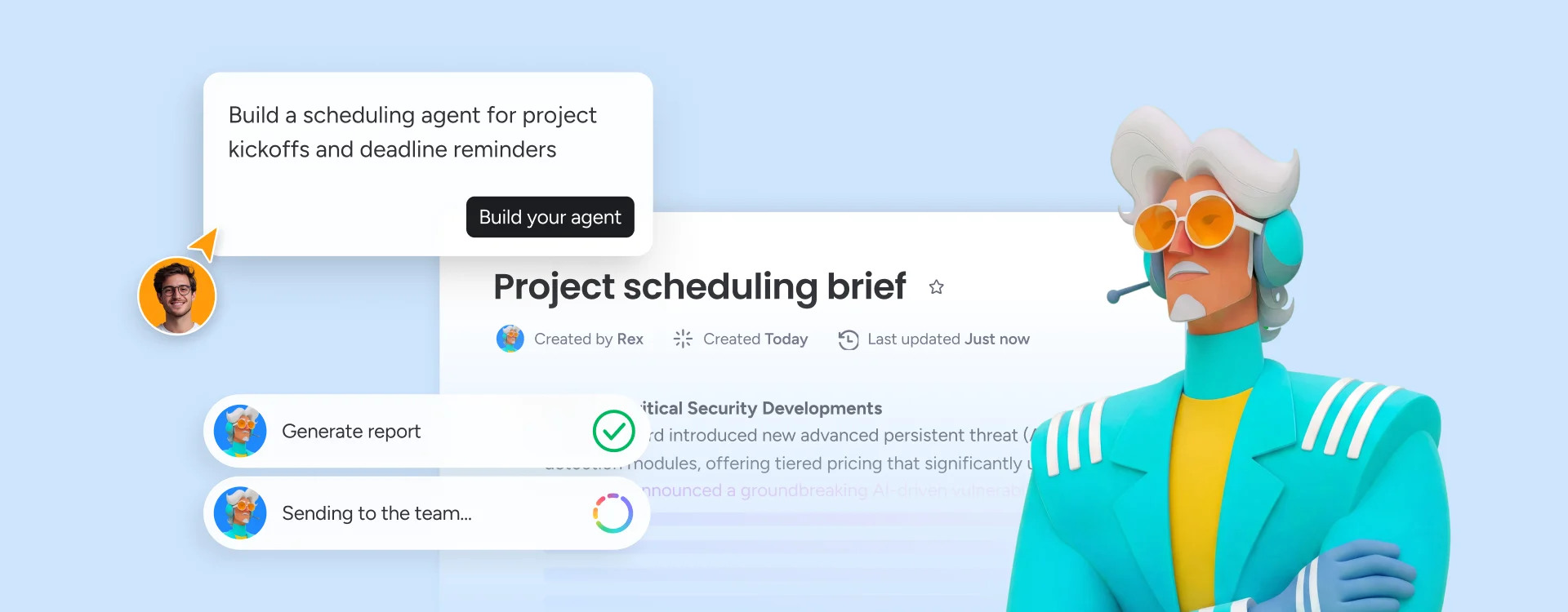
monday sidekick drafts your project schedule in minutes — with tasks, owners, and dependencies mapped automatically based on your goals.

monday agents proactively scan your schedule for risks, flag overdue dependencies, and send automated deadline reminders.

Connect project timelines, resource calendars, and team availability across every department — so scheduling decisions never happen in a silo.
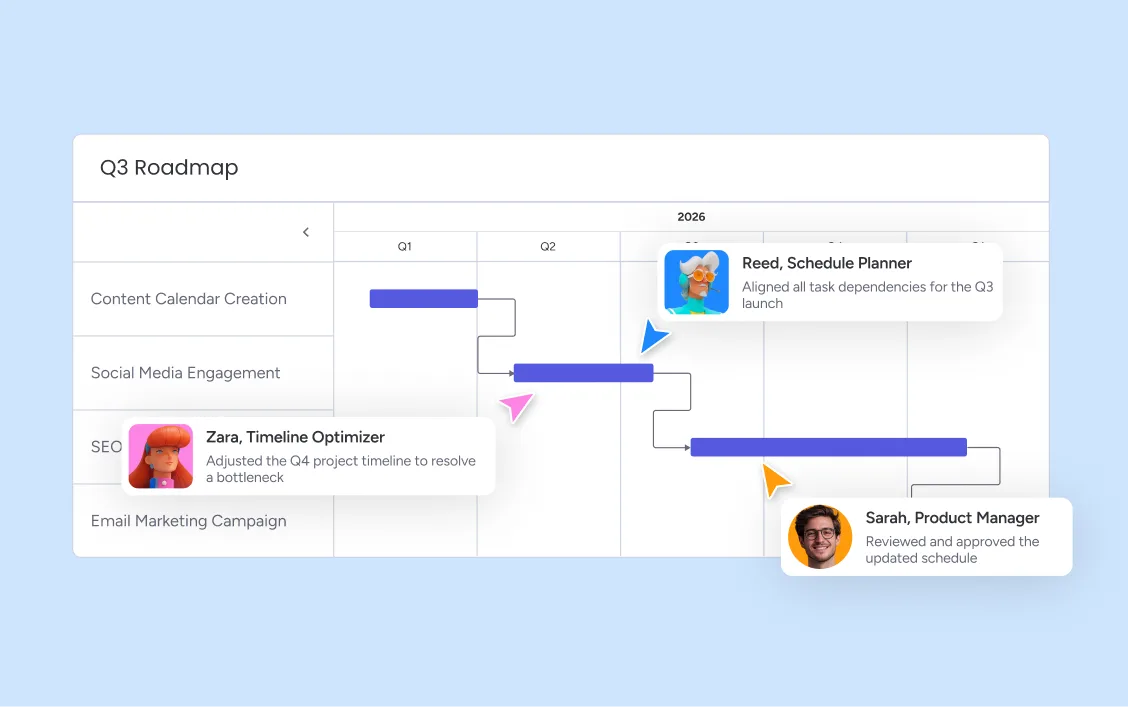
The AI Workspace gives project managers a complete AI scheduling platform that turns goals into structured, trackable plans. Gantt Chart, Timeline, and Calendar Views keep every team member aligned on what they own, when it's due, and what depends on their work.
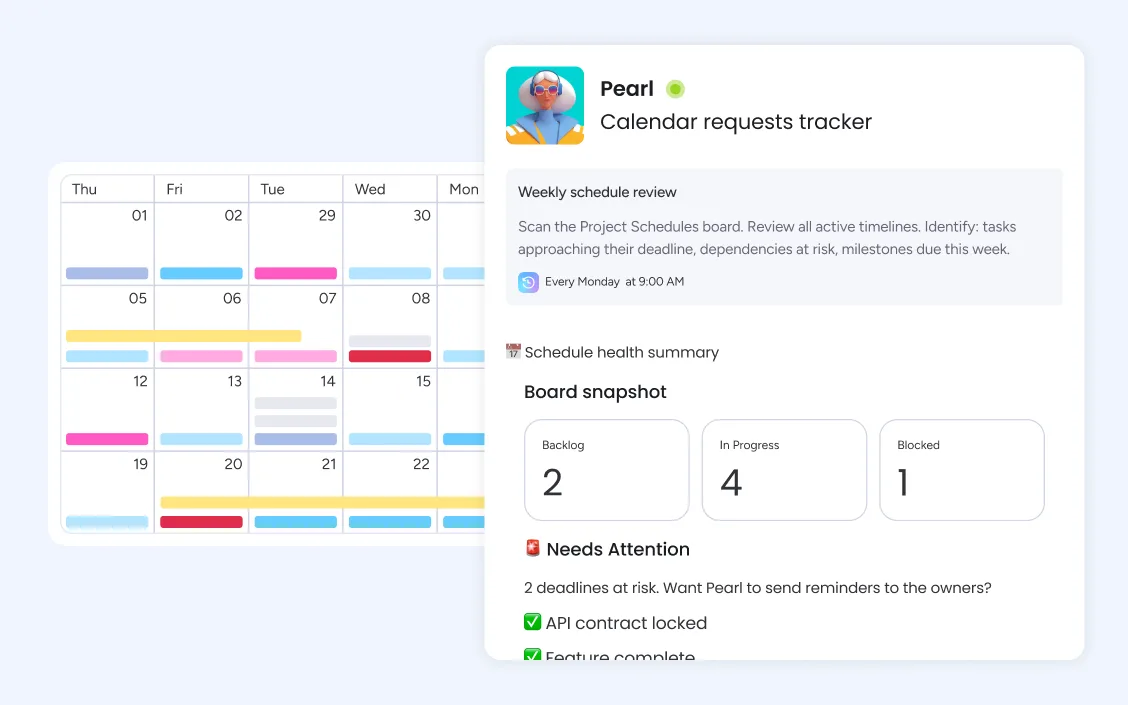
Automated deadline reminders on monday.com notify owners, managers, and stakeholders at the right moments — before a milestone, when a predecessor completes, or on a recurring cycle. monday agents add proactive intelligence on top: the Risk Analyzer continuously monitors active schedules, flags tasks approaching deadline thresholds, and surfaces bottlenecks before they become missed milestones — across every active project at once.
Connect project timelines with real team capacity - showing who is available, who is overallocated, and where conflicts are forming before they block delivery. Managers assign work with visibility into each person's commitments across all active projects, not just one.
monday.com connects your AI workflow automation software to the tools every team runs on. With 850+ integrations - including Slack, Jira, Microsoft Teams, Google Calendar, GitHub, and Salesforce - and MCP support for Claude, ChatGPT, and Copilot, your portfolio data stays connected wherever your teams work.



Build agents that monitor open matter timelines, flag approaching contract review deadlines, and route scheduling requests to the right counsel without manual triage.

AI agents coordinate interview scheduling, send confirmations automatically, and keep new hire onboarding timelines on track from first day to full ramp.

monday agents triage incoming requests, set SLA-aware scheduling priorities, and alert IT managers when ticket backlogs threaten to breach service-level commitments.

monday agents generate project status reports automatically, flag tasks approaching deadline thresholds, and surface cross-project scheduling conflicts before they escalate to the PMO.

monday agents build sprint schedules from backlog priorities and team capacity, flag dependency risks before they slow the sprint, and keep release timelines updated without manual input.

monday agents manage campaign timelines automatically — tracking creative deadlines, routing approvals, and alerting teams when a milestone is at risk of slipping before launch day.
Describe your project goals to monday sidekick and it generates a structured schedule with tasks, milestones, owners, and dependencies automatically. You start with a working draft rather than a blank board — review it, adjust priorities, and your team is ready to execute within the same session. Gantt Chart View and Timeline Views display your schedule in whichever format your team finds most useful.
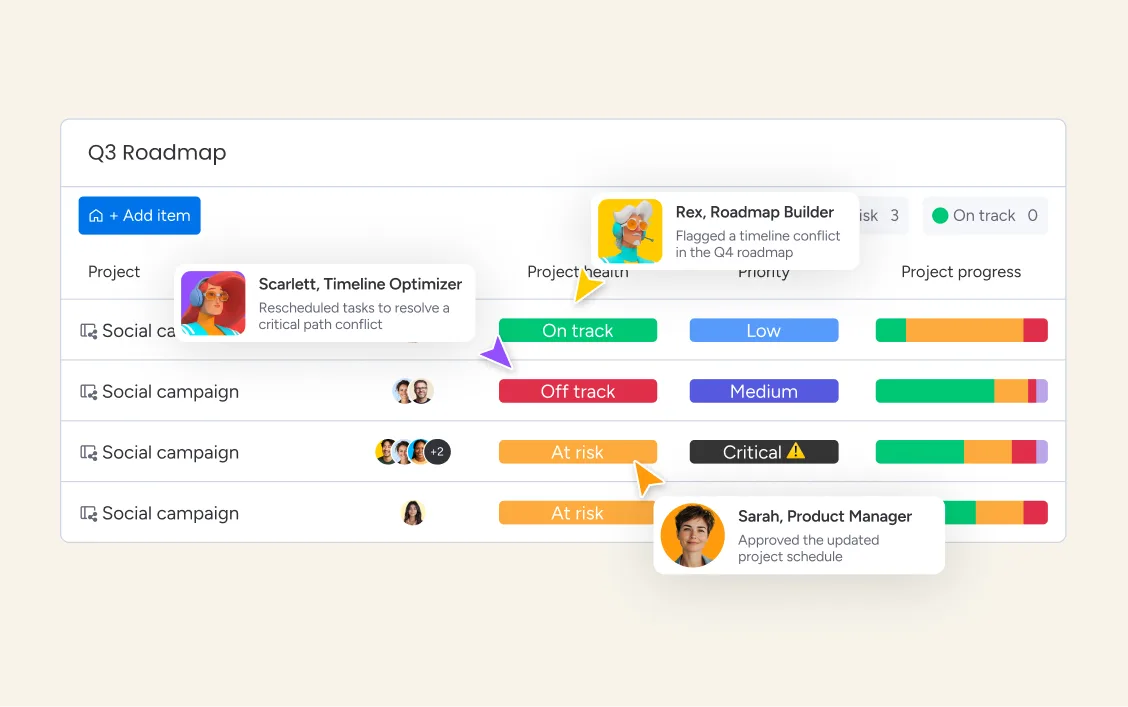
monday agents continuously scan your active schedules for overdue predecessors, overallocated owners, and milestones approaching deadline. When a risk surfaces, the platform notifies the right people automatically and updates the critical path in real time. You stop discovering schedule problems in status meetings and start addressing them while there is still time to course-correct.
Connect project schedules across every department so resource decisions always reflect real cross-team capacity. As your portfolio grows, monday.com's AI Workspace maintains visibility without adding manual coordination overhead — new projects inherit your scheduling templates, automation recipes handle recurring workflows, and every team works from a single shared timeline rather than disconnected spreadsheets.
Assign work with real visibility into each team member's current commitments across all active projects. monday.com's resource scheduling view shows capacity by person, role, or department — so you can balance workloads proactively rather than discovering overallocation when it is too late to fix.
Set up recurring tasks and workflows once, and monday.com regenerates them automatically on your chosen cadence. Weekly standups, monthly reporting cycles, quarterly planning sessions — every recurring schedule item maintains its structure and ownership without manual rebuilding each period.
Configure deadline reminders that notify owners, reviewers, and managers at exactly the right intervals — days before a due date, when a predecessor completes, or when a milestone is approaching. Automated reminders reduce the manual follow-up that scheduling coordination typically demands.
Set clear milestones across your project schedule and track progress toward each one without requiring manual status updates. Milestone views give executives and stakeholders the high-level progress picture they need, while teams stay focused on the detailed schedule beneath each marker.
Define precise task relationships across your project schedule so the platform always knows which work must complete before the next phase can begin. monday.com automatically calculates your critical path and flags any changes that put your end date at risk.
See all scheduled work — meetings, milestones, deadlines, and recurring tasks — in a calendar format that your whole team can access and update. Filter by project, owner, or department to get exactly the scheduling view each stakeholder needs without rebuilding it manually.
Plan and manage project timelines with a flexible date-based view that shows every team member's workload across time. Timeline view makes it easy to spot scheduling gaps, identify where resources overlap, and adjust dates without losing visibility into the broader plan.
Visualize your entire project schedule on a drag-and-drop Gantt chart with full dependency mapping. Set task relationships, identify your critical path, and see immediately how any change in one area cascades through the rest of the schedule. Changes update in real time across all views.

AI agents that monitor schedules, flag risks, and send deadline alerts automatically across every active project.

Your context-aware AI assistant that drafts project plans and answers scheduling questions right in your workspace.

Agentic workflows that automate recurring schedule management — reminders, status updates, and handoffs — end to end.

Build custom scheduling dashboards and views in minutes - tailored to how your team actually tracks time and milestones.
We replaced a 15-minute screening call with an AI agent that does it in 5 minutes.





It’s the first time we’ve seen a real AI solution that is actually useful.




A work schedule organizes your team's hours, tasks, and responsibilities so everyone knows what they're doing and when.

Employee scheduling is how you match the right people to the right shifts, tasks, and projects — at the right time.

A project timeline maps every task, milestone, and deadline into a visual sequence so your team always knows what's next.

A project schedule template maps tasks, owners, and deadlines so every project stays organized and on track from kickoff to delivery.
Yes, the monday.com app is available for download on the iOS and Android app stores.
On monday.com, task dependencies are set directly in the Gantt Chart or Timeline View. Select any task, choose its predecessor, and define the relationship type — finish-to-start, start-to-start, or finish-to-finish. Once dependencies are in place, monday.com automatically recalculates the critical path and flags any downstream tasks that are affected when a predecessor shifts.
Scheduling software pricing varies widely depending on feature depth and team size. Basic scheduling tools often start around $8–15 per user per month, while enterprise-grade platforms with AI capabilities can reach $25 or more per user. monday.com offers a free plan for small teams, with paid plans starting at $9 per seat per month and scale with your needs — and no requirement to buy separate tools for calendar, Gantt, or resource management.
Yes, monday.com offers a free plan that includes access to its core project scheduling and task management features. The free plan supports up to 2 seats with unlimited items, basic views including Calendar View, and essential automation for recurring tasks. Paid plans unlock Gantt Chart View, Timeline View, advanced dependency management, resource scheduling, and full AI scheduling capabilities including monday agents and monday sidekick.
monday.com stands out as a scheduling platform because it combines project timeline management, resource scheduling, and AI-powered automation in one connected workspace. Unlike standalone calendar or scheduling tools, monday.com gives teams Gantt charts, Timeline Views, Calendar Views, dependency management, and milestone tracking alongside AI agents that proactively monitor schedules and flag risks — all on the same platform where the actual work happens.
Gantt charts on monday.com let you visualize your entire project schedule as a horizontal timeline with dependencies mapped between tasks. Drag tasks to adjust dates, set predecessor relationships to enforce the right sequencing, and use the critical path view to identify which tasks directly impact your end date. Every change updates the chart and notifies affected team members automatically.
To build a project timeline on monday.com, start by describing your project goal to monday sidekick — it generates an initial task list with owners and durations automatically. Then add dependencies between tasks to define your critical path, set milestones at key delivery points, and assign owners to each item. The Gantt chart view updates in real time as work progresses, giving everyone a clear picture of where the project stands.
AI improves project scheduling by automating the repetitive work — drafting initial plans, detecting schedule conflicts, recalculating critical paths when tasks shift, and sending deadline alerts. monday.com's monday agents continuously monitor active schedules and surface risks before they cause missed milestones, while monday sidekick helps teams build structured project plans in minutes rather than hours.
AI scheduling software uses artificial intelligence to automate and improve how teams plan and manage schedules. On monday.com, AI scheduling capabilities include generating project plans from a brief description, proactively flagging schedule risks and overdue dependencies, sending automated deadline reminders, and helping teams balance workloads across all active projects — so scheduling stays accurate without constant manual maintenance.
Scheduling software is a platform that helps teams plan, assign, and track work across time — including project timelines, task deadlines, resource availability, and milestone targets. Modern scheduling software like monday.com goes beyond basic calendar management to connect project planning, dependency tracking, and team coordination in one place, with AI capabilities that automate reminders and flag risks proactively.