Forecast workloads, balance resources, and prevent team burnout with monday.com's AI capacity planning software and the Workload Balancer agent.
Trusted by over 60% of the Fortune 500



monday.com's Workload View shows you exactly who is over capacity, who has availability, and where bottlenecks will form — before they affect delivery.

AI-powered capacity forecasting analyzes project pipelines and historical patterns to surface resource gaps weeks before they hit, so you can plan with confidence, not hindsight.

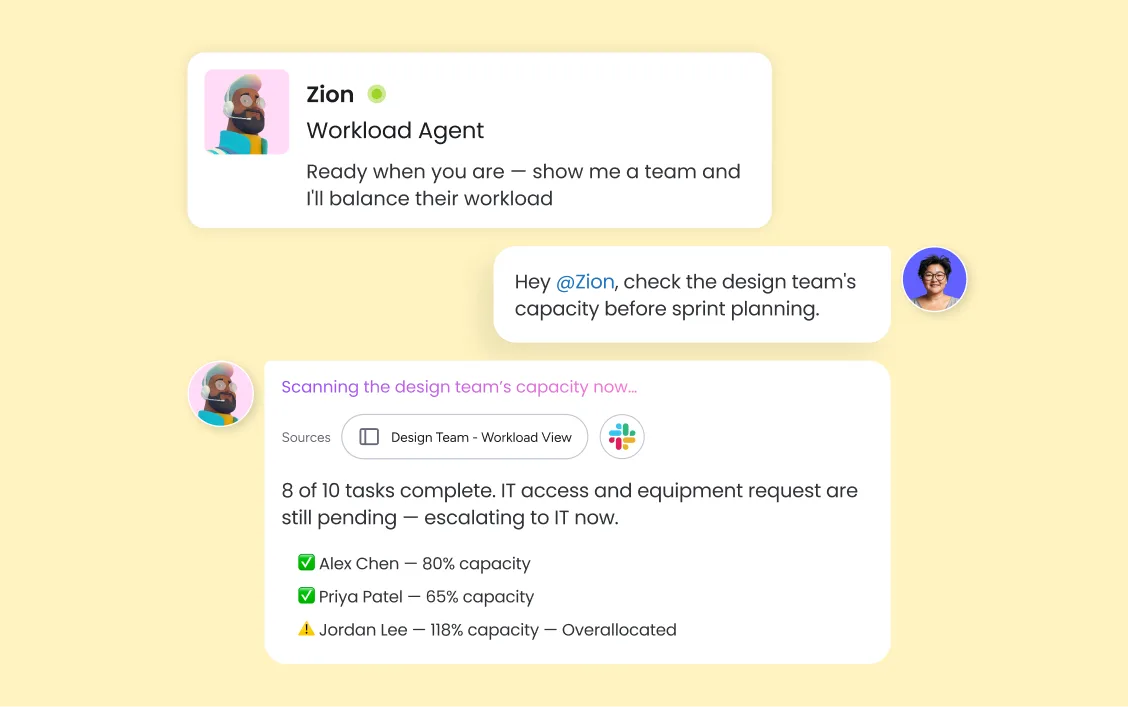
monday agents — including the Workload Balancer — monitor team capacity continuously and redistribute assignments when someone is overloaded, so managers spend less time firefighting and more time leading.
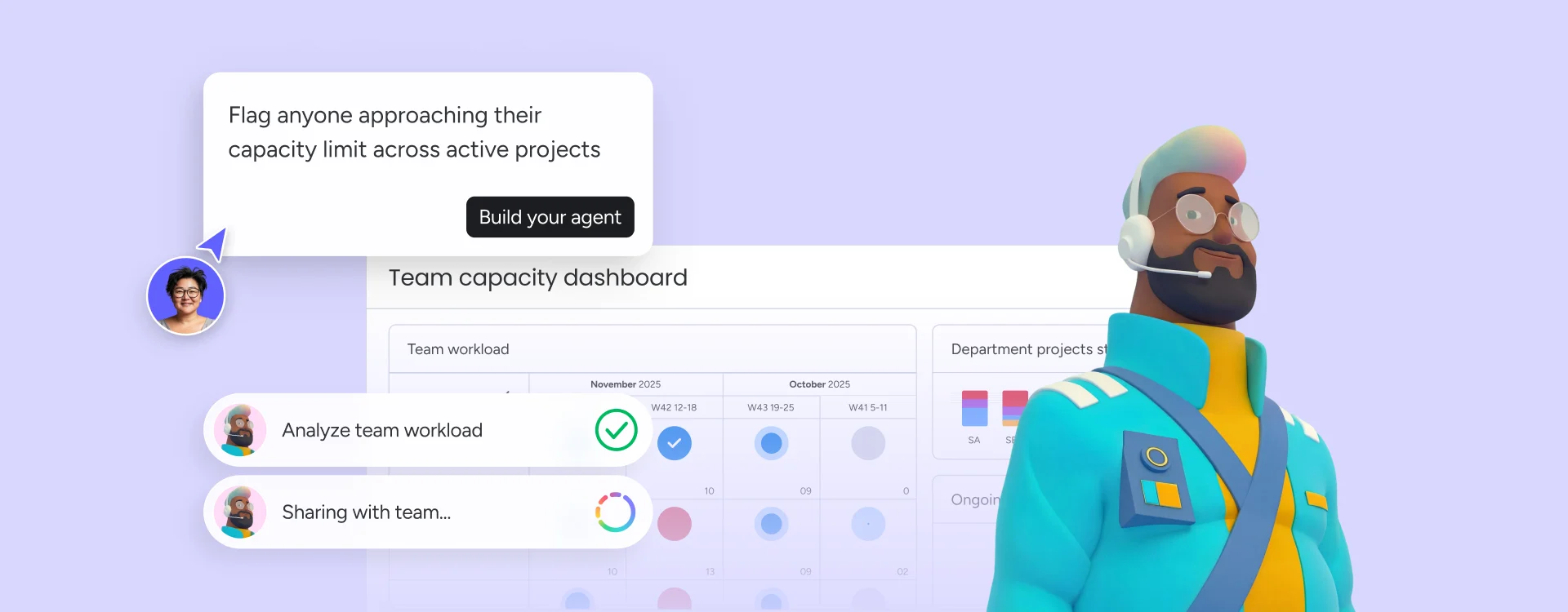
monday.com's Workload View gives managers a real-time overview of every team member's capacity across active projects — spot overallocation and drag-and-drop assignments to rebalance without leaving the board. monday agents continuously monitor capacity signals and automatically redistribute work when someone is approaching their limit.
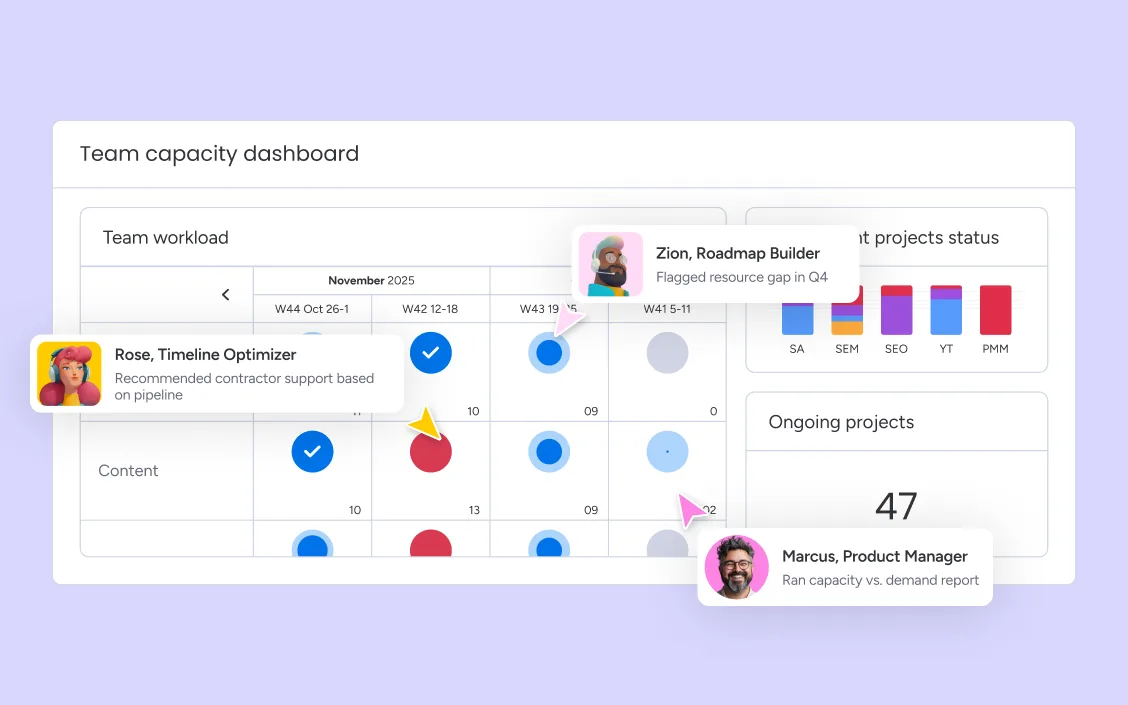
monday.com's AI capacity forecasting analyzes your project pipeline, historical utilization, and team availability to predict resource gaps weeks before they materialize. Managers can run capacity vs. demand reports that show where the team has enough bandwidth for new work and where hiring, contractor support, or project sequencing decisions need to happen now.
Most capacity management tools only see one team's data. monday.com connects capacity across marketing, product, operations, IT, and HR in one platform - so a resource constraint in engineering surfaces in the product roadmap, a hiring plan in HR aligns with PMO demand, and every forecast is grounded in actual hours logged rather than assumptions.
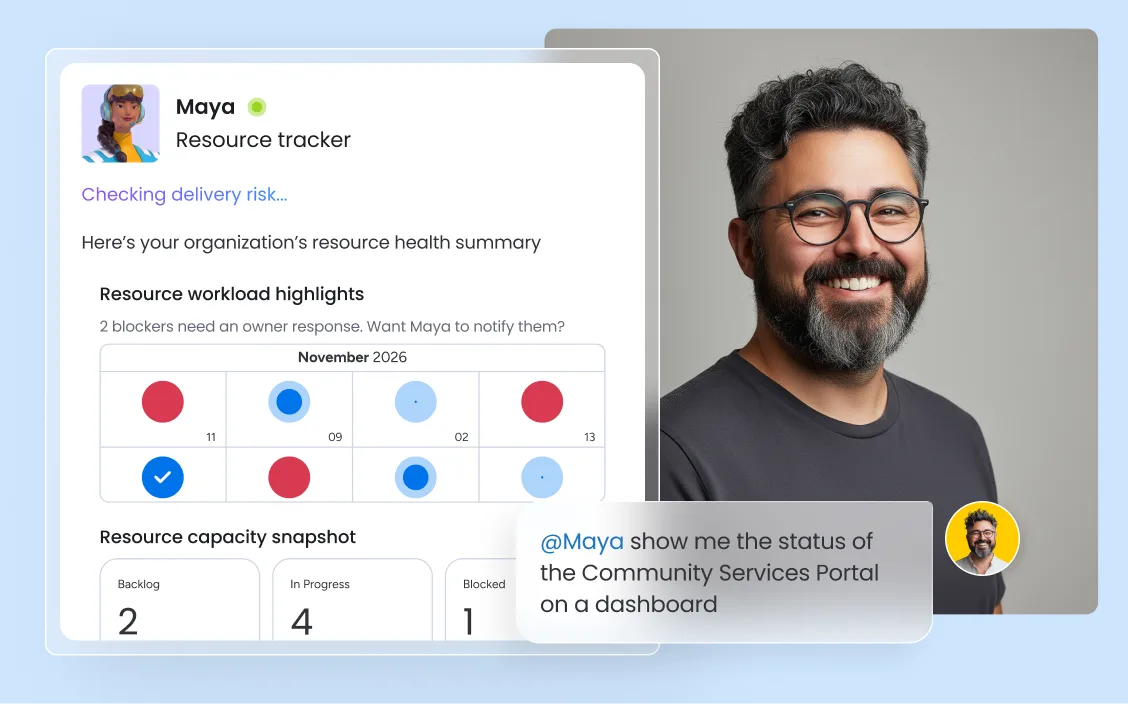
monday.com connects your AI workflow automation software to the tools every team runs on. With 850+ integrations - including Slack, Jira, Microsoft Teams, Google Calendar, GitHub, and Salesforce - and MCP support for Claude, ChatGPT, and Copilot, your portfolio data stays connected wherever your teams work.



monday agents route incoming legal requests and surface capacity bottlenecks across the team - so general counsel has a clear view of matter load before committing to new work.

HR teams use monday.com to connect hiring timelines with capacity forecasts from PMO and product - so headcount decisions are driven by actual demand data, not last quarter's headcount spreadsheet.

PMO teams use monday.com's capacity vs. demand reporting to ensure the project portfolio stays aligned with available resources - and to flag capacity risks before they delay strategic initiatives.

Sprint capacity planning in monday.com surfaces team velocity and individual workload data alongside the backlog — so product and engineering teams commit to sprints they can actually deliver.

monday agents monitor campaign workloads and alert marketing managers when creative or copy teams are approaching capacity — so launches never stall for lack of bandwidth.
Describe your team structure and projects to monday sidekick, our built-in AI assistant and it builds your boards, timelines, and assignments automatically. From there, the Workload View pulls everything into a single capacity view — so you can see who is over capacity, who has bandwidth for new work, and where workloads are unbalanced, without manual data entry or spreadsheet audits.
monday.com's AI capacity forecasting analyzes your project pipeline and historical utilization to generate demand forecasts by team, role, and time period. Capacity vs. demand reports surface where your team has room to absorb new work and where gaps will form — giving you the lead time to adjust hiring plans, redistribute work, or resequence projects before delivery is at risk.
Once your capacity plan is live, monday agents monitor workloads continuously and surface alerts when team members are approaching their limits. The Workload Balancer agent can redistribute assignments automatically, while automated capacity alerts keep managers informed without requiring them to manually check every board. Your capacity plan stays current without constant manual upkeep.
Plan sprint capacity with velocity data, individual workload views, and backlog estimates surfaced directly inside sprint boards. Agile teams can set realistic sprint commitments based on actual team availability, track progress in real time, and adjust mid-sprint when priorities shift — without breaking the planning workflow.
Set utilization thresholds and let monday.com notify managers automatically when a team member or department approaches their limit. Automated capacity alerts replace manual monitoring with proactive notifications — so capacity issues surface when there is still time to act, not after the damage is done.
Generate capacity vs. demand reports that show exactly where your team has room to absorb new work and where gaps will form. Reports pull live data from your boards, so they reflect actual project pipeline and current team utilization — giving leadership the visibility to make staffing and sequencing decisions with confidence.
monday.com gives portfolio managers a unified view of capacity across every department and project — not just one team's board. When a resource constraint in engineering affects a product launch timeline, it surfaces in the same platform where marketing is planning the campaign, so decisions get made with full context.
Track every team member's availability, including time off, part-time schedules, and concurrent project commitments. Resource availability data is connected directly to your project timelines so assignments always reflect real-world capacity, not theoretical maximums.
monday.com's AI analyzes project pipelines, historical utilization, and team availability to forecast capacity gaps before they materialize. Demand signals update continuously, so your forecasts reflect the current state of the business — not last month's snapshot.
The Workload Balancer agent monitors team capacity continuously and redistributes assignments when someone is over their limit. It acts before bottlenecks form, so managers get alerts and rebalanced workloads — not retrospective post-mortems about missed deadlines.
See every team member’s workload in one color-coded view. Spot overallocation and open capacity at a glance, then drag and drop assignments to rebalance without leaving the board. monday.com’s Workload View makes capacity visible and actionable in real time.

AI agents that monitor capacity and rebalance workloads across teams — so managers lead instead of manually tracking.

Your context-aware AI assistant that instantly surfaces capacity insights, generates status updates, and highlights delivery risks across your boards.

Agentic workflows that route work, trigger capacity alerts, and coordinate assignments across teams without manual intervention.

Build custom capacity dashboards and planning apps in minutes — just describe what you need and Vibe generates the app directly inside monday.com.
We replaced a 15-minute screening call with an AI agent that does it in 5 minutes.





It’s the first time we’ve seen a real AI solution that is actually useful.



Resource capacity planning matches available people and tools to upcoming work — so projects are staffed correctly before they fall behind.

Capacity planning for projects ensures your team has the right resources at the right time to deliver on schedule without burning out.

Resource allocation in project management is the process of identifying, assigning, and managing assets — including people, budget, tools, and time — for project needs.

Capacity management helps organizations align resources with demand — so teams stay productive, customers stay satisfied, and growth stays sustainable.
AI capacity planning software ranges from free tiers for small teams to enterprise pricing for large organizations. Most dedicated tools charge per seat per month. monday.com offers a free plan (up to 2 seats), paid plans starting at $9 per seat per month (Basic), and enterprise plans with custom pricing that include advanced AI capabilities, security, and governance. This makes monday.com accessible whether you are a small team getting started or a large organization scaling capacity planning across departments.
Manufacturing capacity planning software tracks production output potential against demand forecasts to ensure the right equipment, workforce, and materials are in place for peak periods. It typically includes demand forecasting, production scheduling, bottleneck identification, and utilization reporting. monday.com supports manufacturing and operations teams with cross-team capacity visibility, AI forecasting, and automated alerts — connecting production planning to the broader organizational context.
The three capacity planning strategies are: lead (add capacity before demand materializes, best for high-growth environments), lag (add capacity only after demand is confirmed, best for cost-conscious organizations), and match (add capacity in small increments as demand grows, best for teams balancing growth with fiscal discipline). monday.com supports all three strategies through flexible forecasting, scenario modeling, and real-time demand tracking.
AI improves capacity planning in three ways: forecasting (AI analyzes historical utilization and project pipelines to predict future demand), monitoring (monday agents watch workloads continuously and surface alerts when teams approach their limits), and rebalancing (the Workload Balancer agent redistributes assignments automatically when someone is over capacity). Together, these capabilities shift capacity planning from a reactive, manual process to a proactive, data-driven one.
Effective capacity planning requires real-time visibility into team workloads, accurate demand forecasting based on your project pipeline, and a single platform where capacity data is connected to actual work — not siloed in spreadsheets. monday.com brings all three together: Workload Views surface current utilization, AI forecasting models future demand, and the platform connects capacity decisions to the boards where work actually happens.
Capacity planning is strategic — it answers whether you have enough resources to meet future demand. Resource management is tactical — it answers who does what and when. Capacity planning sets the ceiling; resource management determines how you work within it. monday.com supports both: the Workload View and forecasting tools handle capacity planning, while assignments, timelines, and automations handle day-to-day resource management.
The three basic phases are: assess current capacity (catalog available resources, skills, and utilization rates), forecast future demand (analyze upcoming projects, growth targets, and pipeline to estimate future requirements), and close the gap (develop and execute a plan to align supply with demand through hiring, reallocation, or project sequencing). monday.com's AI Workspace supports all three phases with Workload Views, AI forecasting, and automated alerts.
The three main types of capacity planning are workforce capacity planning (assessing whether you have enough people with the right skills), resource capacity planning (evaluating all resources including equipment, budget, and technology), and production capacity planning (measuring output potential against demand forecasts in manufacturing or operations environments). Each type addresses a different dimension of organizational capacity.